
General Information
Videos
Additional Links
Specifications
General Information
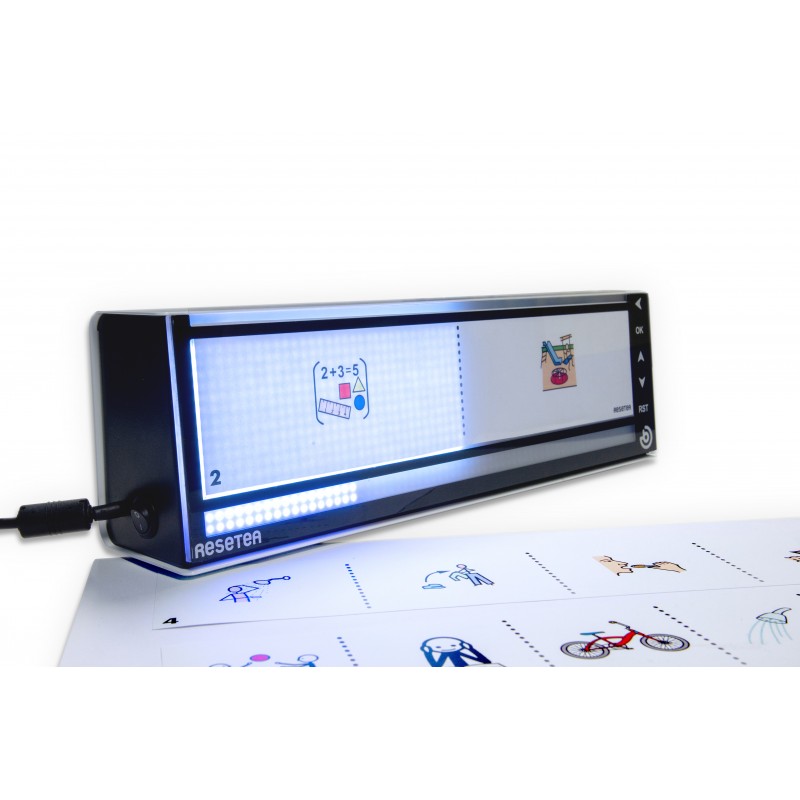
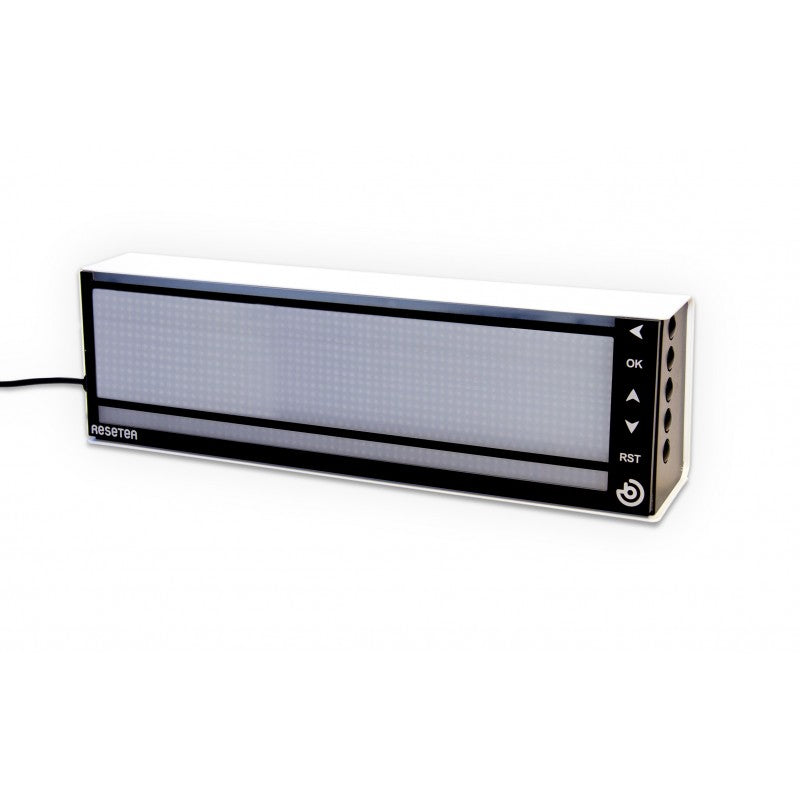
Resetea is a visual timer designed to help people understand and manage time by organizing tasks into clear sequences. Using pictograms and LED lights, it makes the passage of time visible and structured.
About the Device:
Created by special education teacher Andrés Collazos, Resetea supports people with autism spectrum disorder (ASD), cognitive or learning disabilities, dementia, and young children. It helps reduce anxiety by showing what is happening now and what comes next, promoting calm and independence.
Who It Helps:
Resetea is especially useful for:
-
Individuals with autism spectrum disorder (ASD).
-
People with cognitive or learning disabilities.
-
People with dementia.
-
Children in early education.
Key Features:
-
Visual task sequencing with pictograms or photos.
-
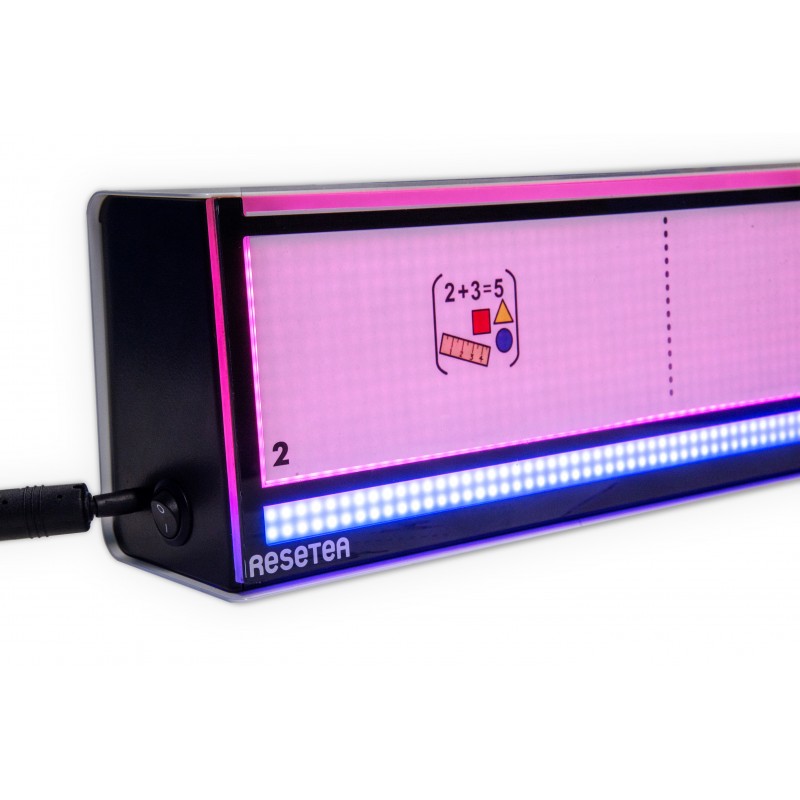
LED lights to indicate the current stage and transitions.
-
Functions as both a task timer and a regular clock.
-
Provides a linear, visual representation of time for easier understanding.
-
Encourages user interaction and engagement.
-
Helps reduce anxiety by clarifying “what happens next.”
Examples of Use:
-
Structure daily routines for people with ASD.
-
Support learning tasks for children with cognitive disabilities.
-
Provide visual guidance for people with dementia.
-
Teach the concept of time in early childhood classrooms.
Videos
Additional Links
Specifications
- Programmable for 1-12 tasks, each task can be between 1 and 60 minutes
- Shows progression of time through colours (light off = future task, white= current task; red= finished task; blue bar = the total time)
- Protected screen for inserting pictograms or photos to represent activities
- Includes printable and customizable templates for pictograms or photos
- Download the files and create your own templates for the activities you need
- Wall mountable or for use on a table
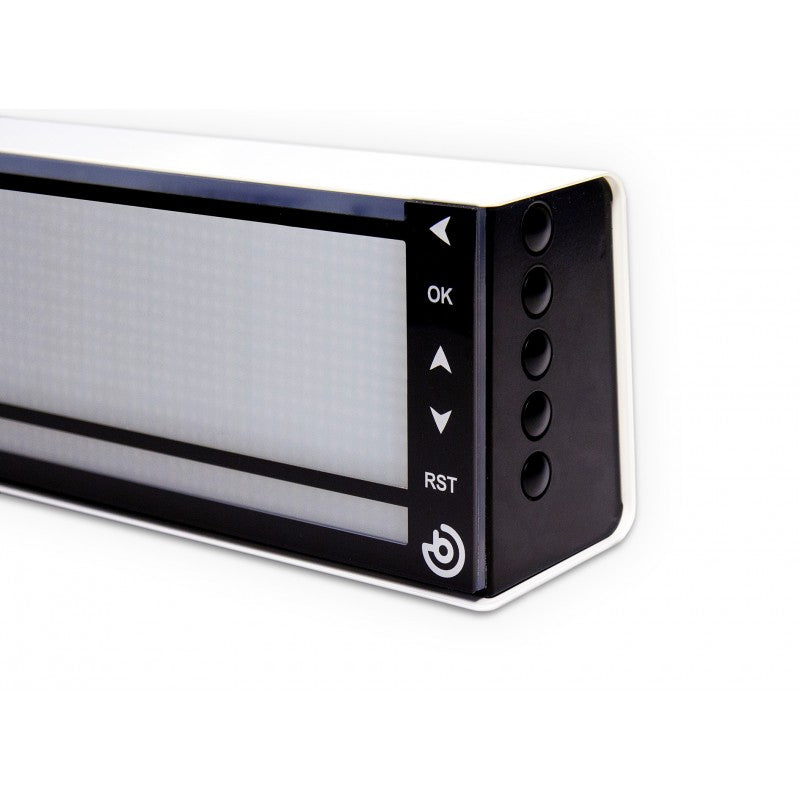
- Easy-to-use buttons allow you to forward, reverse, repeat or pause a task
- Option to block the buttons
- 100-240V”