Keyboard Navigation
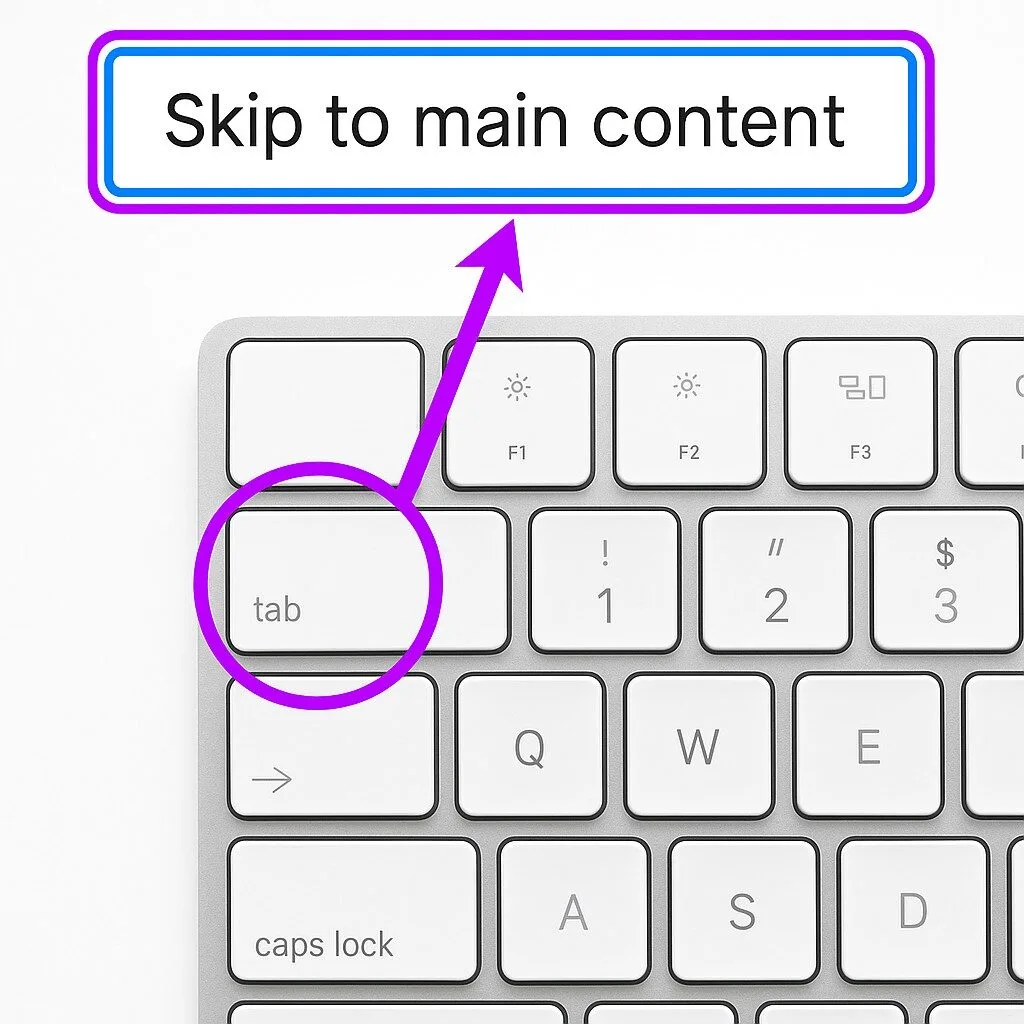
General Information
Videos
Additional Links
General Information
Keyboard navigation, keyboard access, allows people to interact with computers, tablets, and websites using only a keyboard or alternative input device instead of a mouse.
This form of access is essential for people with mobility, vision, or dexterity differences who may not be able to use a mouse effectively. By relying on keys such as Tab, Enter, and the Arrow keys, as well as keyboard shortcuts, users can navigate menus, links, forms, and applications. Many assistive technologies, such as screen readers, switch devices, or alternative keyboards, also rely on robust keyboard navigation support in software and websites.
Key Features:
-
Tab and Shift+Tab: Move forward or backward between links, buttons, and form fields.
-
Enter and Spacebar: Activate links, buttons, or controls.
-
Arrow Keys: Navigate within menus, dropdowns, or documents.
-
Keyboard Shortcuts: Provide quick access to functions without a mouse.
-
Access Keys and Landmarks.
Why It Matters:
-
Ensures equal access for people who cannot use a mouse.
-
Supports screen reader users by providing a logical focus order.
-
Enhances efficiency for power users and those with mobility limitations.
-
Required under accessibility standards like WCAG and Section 508.
Examples of Use:
-
A screen reader user tabs through headings and links on a webpage.
-
A person with limited mobility uses an alternative keyboard or switch device to activate commands.
-
A student navigates forms and assignments entirely through keyboard shortcuts.
- A person navigates a PDF using keyboard navigation keys without the need for a mouse.