General Information
Videos
Additional Links
Specifications
General Information
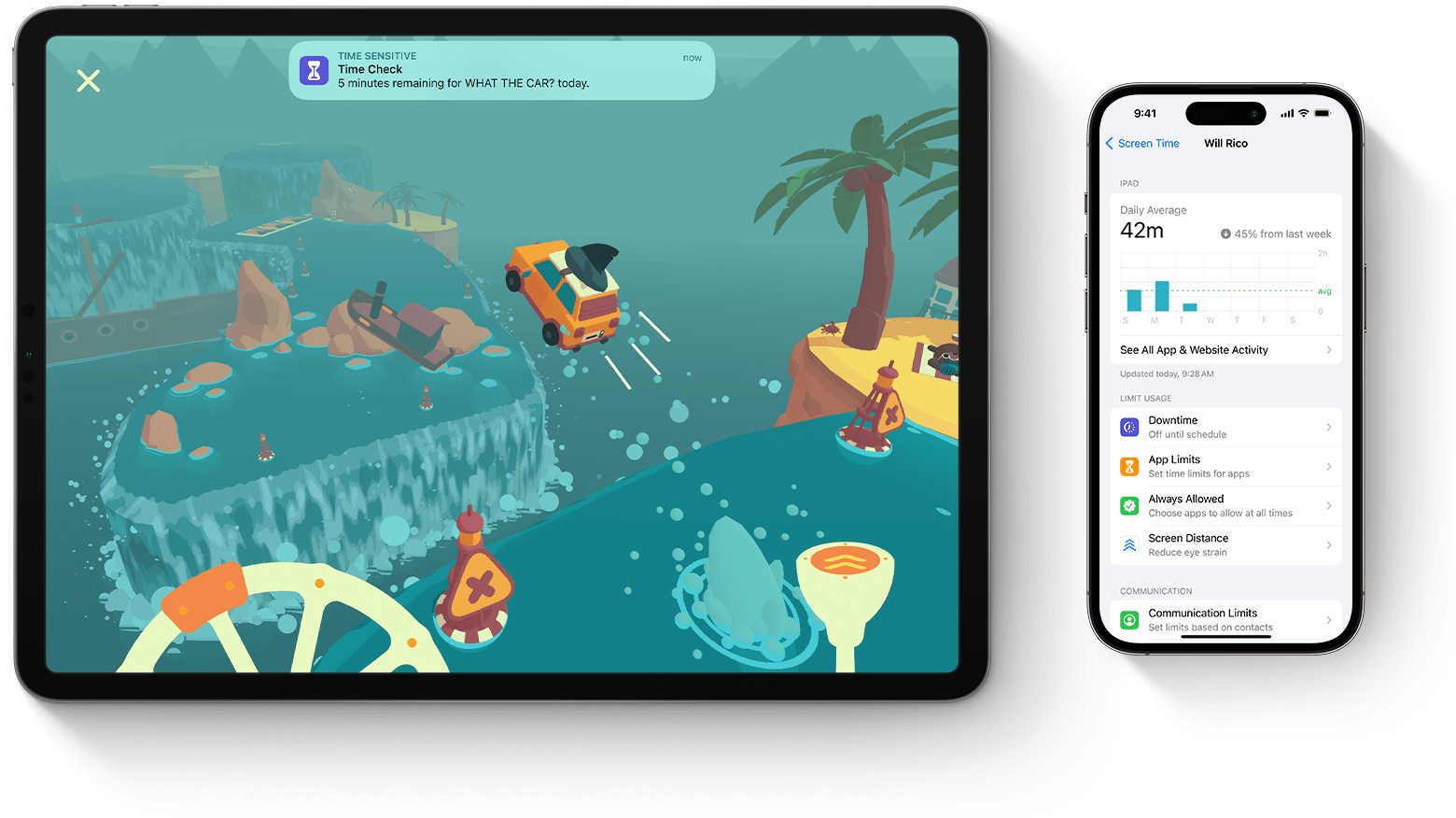
Screen Time is an Apple feature that tracks device use and lets people manage screen habits by setting limits, schedules, and viewing activity across Apple devices.
Key Features:
- Tracks usage across apps, websites, and device pickups.
- Offers daily and weekly activity reports.
- Includes Downtime, App Limits, Communication Limits, and Screen Distance.
- Syncs settings and reports via Share Across Devices when enabled.
How to Enable:
-
Open Settings.
-
Select Screen Time.
-
Choose Turn On Screen Time.
-
Select Continue and follow the prompts.
-
Configure limits, content restrictions, or Family Sharing if needed.
Examples of Use:
- A parent sets downtime hours on a child’s iPad.
- A student is limiting social media to improve focus.
- A person reviewing weekly reports to adjust phone habits.
Videos
Specifications
Compatibility:
- iPhone / iPad: iOS 12 / iPadOS 12 or later
- Mac: macOS Catalina (10.15) or later
- Apple TV: (supported; OS version per device)
- Apple Watch: Limited Screen Time features; watchOS 6 or later