General Information
Videos
Specifications
General Information
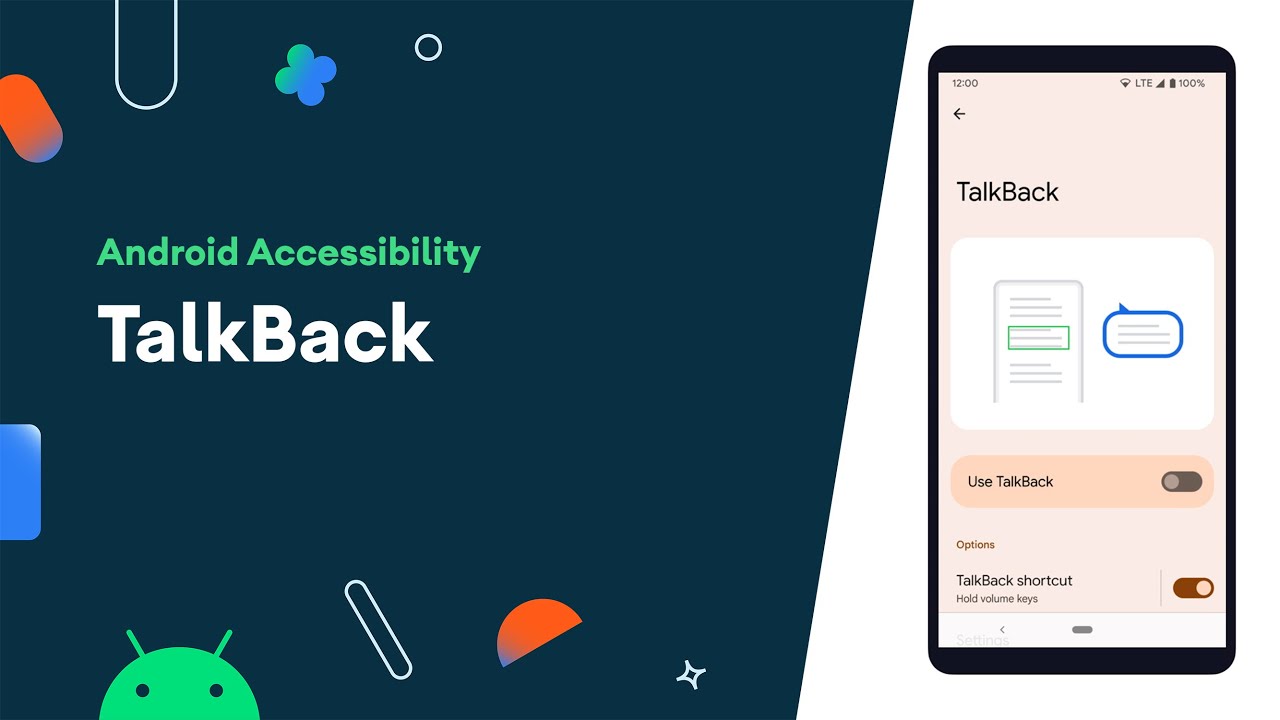
TalkBack is Android’s built-in screen reader that provides spoken feedback for navigating devices without sight. It supports gestures, voice commands, and braille input, allowing for independent and accessible use of Android devices.
Key Features:
-
Gesture-based navigation with swipes and taps
-
Spoken feedback for text, menus, and notifications
-
Built-in braille keyboard for text input
-
Customizable speech rate, verbosity, and gestures
-
Multi-language support through Google’s text-to-speech engine
How to Enable:
-
Open Settings.
- Select Accessibility.
-
Select TalkBack.
-
Turn on TalkBack.
Examples of Use:
-
Reading messages, emails, and notifications aloud
-
Navigating apps and websites with spoken descriptions
-
Typing with auditory feedback for letters and words
-
Using voice commands with Google Assistant for hands-free control
Videos
Specifications
- Compatibility: Available on most Android devices running Android 5.0 and later.